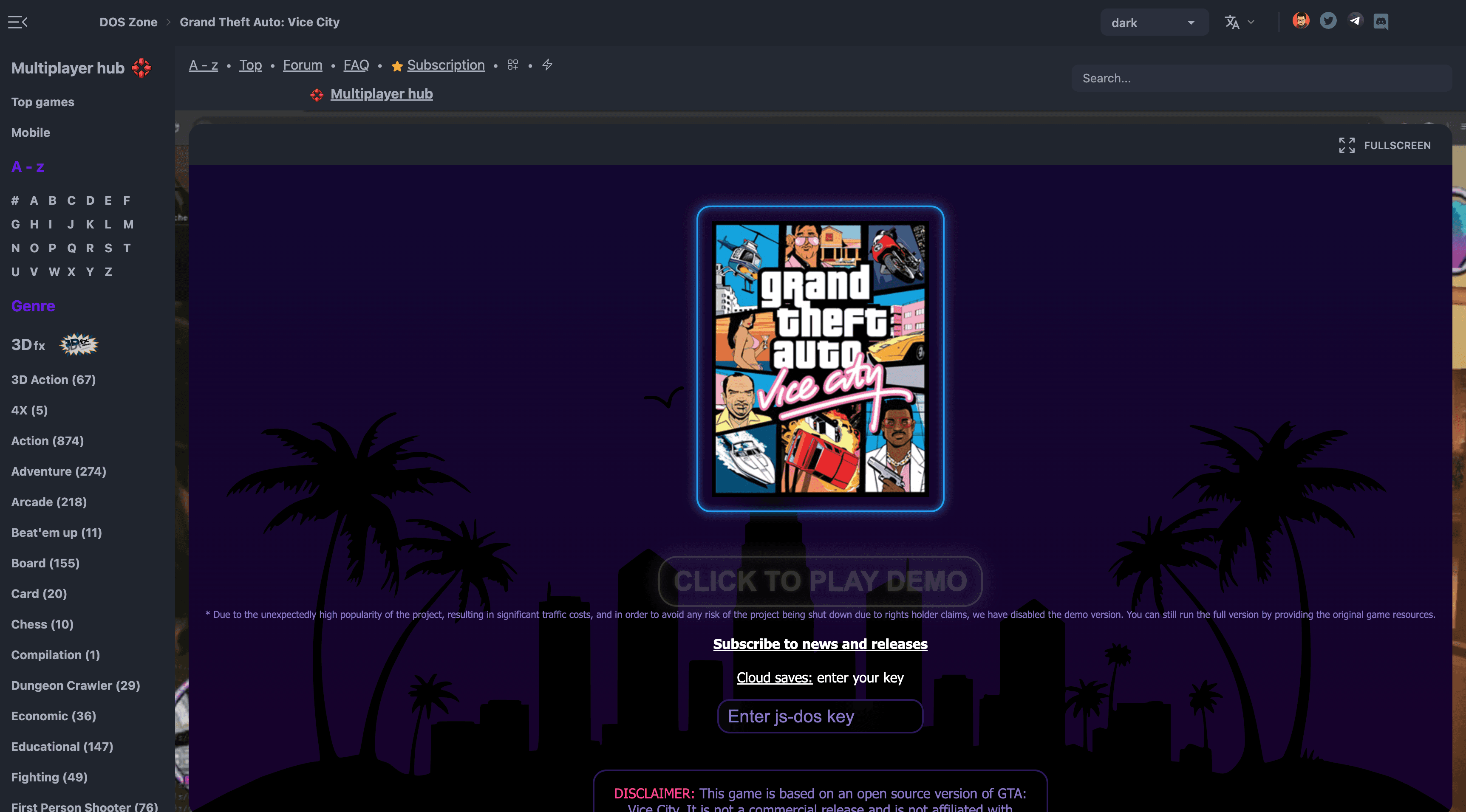
How To Play GTA Vice City in Your Broswer Completely Free
Introduction
Playing Grand Theft Auto: Vice City in a web browser might sound unrealistic, but recent technical work has made it possible. A browser-based version of the game can now run directly through modern desktop browsers without traditional emulators or installs.
Just want to play the game? No problem. Stick around if you want to understand the technical side of how it works.
This guide explains how the browser version works, what you need, and how to try it yourself for free. It also sets realistic expectations around performance, saves, and legality so you know exactly what you’re getting into before starting.
This is not an official release, and it is not a full replacement for the original PC or console versions. Think of it as a playable technical showcase rather than a polished remake.

What This Browser Version of GTA Vice City Actually Is
The browser version of GTA Vice City is not emulation. Instead, it is a recompiled version of the original game code that runs using modern web technologies such as WebAssembly.
In simple terms:
- The original game logic has been adapted to run inside a browser
- Your browser handles rendering, input, and audio
- The game still relies on original Vice City assets
This approach allows the game to run surprisingly well compared to traditional browser emulation, but it also comes with limitations that we’ll cover later.
Importantly, this project exists as a technical demonstration, not a commercial product or fan remake.
What You Need Before Playing
Before attempting to play GTA Vice City in your browser, make sure you meet these basic requirements.
Supported Browsers
- Google Chrome (recommended)
- Microsoft Edge
- Mozilla Firefox
Safari support is inconsistent and not recommended.
Device Requirements
- Desktop or laptop only
- Mobile browsers are currently unsupported
- A keyboard is required for reliable controls
Game Files
You must legally own GTA Vice City to use this browser version. The project does not include copyrighted game assets. You’ll need access to the original game files from:
- A PC installation
- A legitimate digital copy
Without these files, the game will not load.

How to Play GTA Vice City in a Browser (Step-by-Step)
This section walks through the process at a high level. The exact interface may change as the project evolves, but the core steps remain the same.
Step 1: Open the Browser-Based Project
Start by opening the browser-based Vice City project link referenced in the original announcement. This loads a lightweight launcher page rather than the game itself. At this stage, nothing is downloaded automatically.
Step 2: Provide the Required Game Assets
The browser version does not include Vice City’s original files.
You’ll be prompted to:
- Point the launcher to your existing Vice City game files, or
- Upload specific required asset folders from a legitimate copy
These assets include textures, audio, and mission data.
Without them, the game cannot run.
Step 3: Launch the Game in Your Browser
Once the assets are validated:
- Click the launch button
- The game compiles and starts inside the browser tab
- Initial loading may take longer the first time
No installation is required. Everything runs locally through your browser.
Step 4: Configure Controls and Display Settings
By default:
- Controls are mapped to keyboard inputs similar to the PC version
- Mouse aiming may be limited or disabled depending on the build
Before playing, it’s recommended to:
- Adjust resolution scaling
- Test movement and camera controls
- Lower visual settings if performance dips
Controller support may work but is not guaranteed.

Controls, Performance, and Save Support
This browser version is playable, but it comes with trade-offs.
Controls
- Keyboard-only is the most reliable option
- Controller support varies by browser
- No custom key remapping in most builds
Performance
- Performance depends heavily on CPU and browser
- Expect lower frame rates than native PC versions
- Occasional audio or texture glitches may occur
Saving Progress
- Save support is limited
- Some builds allow manual save states
- Long play sessions are not recommended
This is better suited for short sessions or experimentation rather than full completion runs.
Is This Legal and Safe to Use?
The browser project itself does not distribute copyrighted content. It remains legal only if:
- You own a legitimate copy of GTA Vice City
- You provide your own game assets
- You are not downloading pre-packaged versions with assets included
From a safety standpoint:
- The game runs locally in your browser
- No installation or system access is required
- Avoid mirrors or rehosts that bundle files
Limitations You Should Know About
This is not a replacement for the original game.
Key limitations include:
- No official support or updates
- Inconsistent save functionality
- No mod support
- No multiplayer
- Possible bugs in later missions
Treat this as a technical demo, not a definitive way to play Vice City.
Why This Matters for GTA Fans
This project shows how classic games can be preserved and made accessible using modern web technology. For players, it means:
- Instant access without installs
- Easier testing and experimentation
- A glimpse into future browser-native games
For developers, it highlights how older titles can be kept alive beyond traditional platforms.
FAQs
Answers to the questions we hear the most.
Is this an official Rockstar release?
No. This is a community-led technical project and is not affiliated with Rockstar Games.
Can I really play GTA Vice City for free?
You can play it in a browser without paying again, but you must already own the original game.
Does it work on phones or tablets?
No. Mobile browsers currently lack the performance and input support needed.
Can I finish the entire game this way?
Technically possible, but not recommended due to save and stability limitations.
Is this better than emulation?
It’s different. Browser-native builds load faster and feel lighter, but emulators remain more stable for full playthroughs.